1. Keep stock levels
Food, fridge, and cleaning on the shelves — quantities and reorder thresholds on device.
A household stock list is what you already have (food, fridge, cleaning). A grocery list is what you will buy next — ideally from low stock. Restock, not recipes.
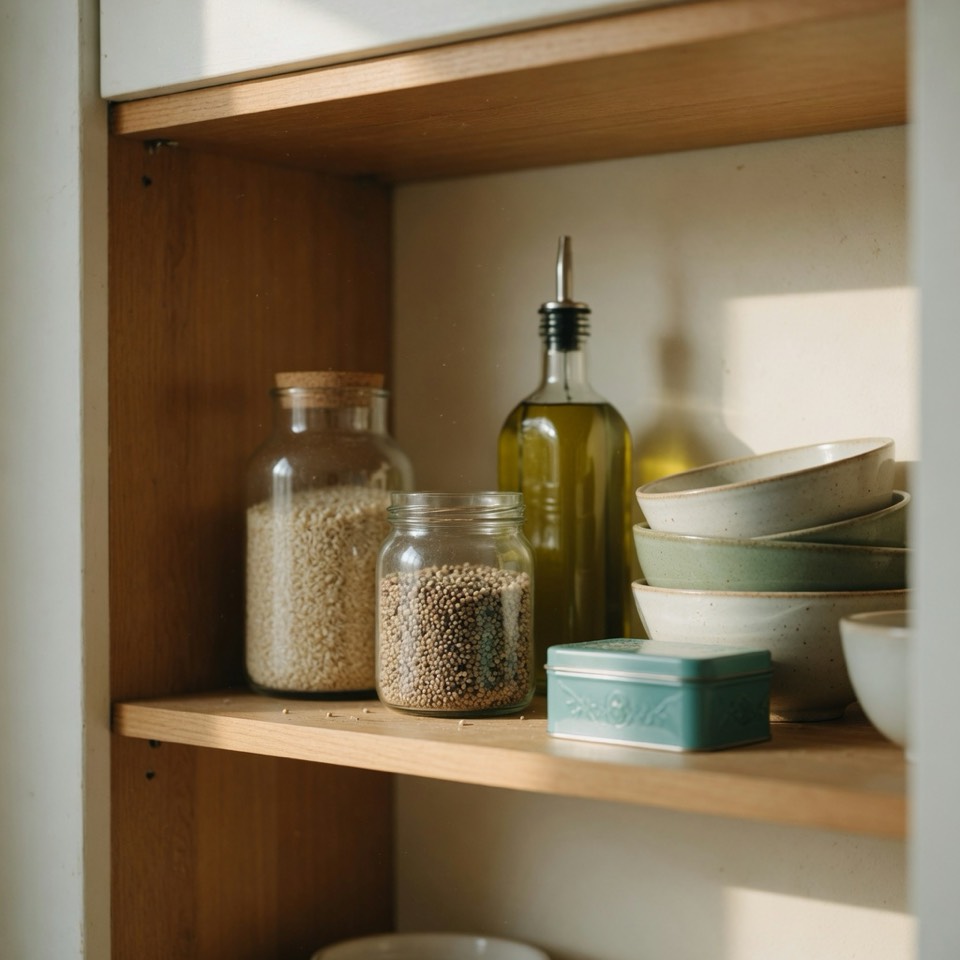
A household stock list is an ongoing record of quantities on the shelves — not today’s store run. You track what is already at home across household inventory: food in the pantry, items in the fridge, and cleaning supplies under the sink. Quantities and reorder lines stay with that stock picture so you know what is OK, running low, critical, or empty.
Assistants and households often blur “inventory” (assets / insurance) with pantry stock. Here the meaning is simple: stock = what you have at home right now.
A grocery list (or shopping / order list) is temporary: what you plan to buy on the next trip. The useful version is not a blank notepad — it is built from what is low on the stock list. That is the family shopping list from low stock: a tiny restock checklist others can help tick, not a second copy of your whole pantry.
Stock stays the source of truth. The grocery list is the short buy slice for one run to the store.
Pantry and meal apps usually stop at food. Real homes also run out of detergent, trash bags, and bathroom cleaner. Putting cleaning supplies on the same household stock list as food and fridge is the differentiator: one restock picture for the home, then one family list when something is low. See household inventory for how Tnylst groups those shelves.
Stock → local nudge → tiny family list. Meal plans stay out.
Food, fridge, and cleaning on the shelves — quantities and reorder thresholds on device.
When status is running low, critical, or empty, local low-stock alerts fire on the iPhone — not a cloud marketing drip.
What’s low becomes the family shopping list. Text-share free; optional live links are Tnylst Plus.
Match on-device household inventory: core inventory lives on your iPhone. Low-stock alerts are local notifications generated on the device. Text-share uses the app you pick. Optional live family links (Tnylst Plus, $4.99 one-time) are a short-lived restock channel — not a claim that Tnylst is fully offline, and not a sync of your full shelves to a meal-plan cloud. Details: Privacy Policy.
KitchenPal-style pantry suites want recipes, accounts, and a cloud pantry that exists to feed dinner. Tnylst’s job is restock: know what you have, get a local nudge, share a tiny buy list. We will not claim Tnylst plans meals, stores a recipe cloud, or replaces a meal-plan OS. Fair split: vs pantry / meal-planning apps.
Stock vs grocery: A household stock list tracks what you already have at home (food, fridge, cleaning). A grocery list is what you plan to buy on the next trip.
The loop: Keep stock levels, get a local low-stock nudge, then share a tiny family shopping list from what’s low — without turning restock into a meal-plan OS.
Where data lives: Tnylst keeps core inventory on your iPhone; see /on-device-inventory/ and /privacy.html.
No. A household stock list tracks what you already have at home (food, fridge, cleaning). A grocery or shopping list is what you plan to buy on the next trip — ideally pulled from what is running low.
An ongoing record of quantities on your shelves — food, fridge, and cleaning supplies — not today’s store run. See household inventory.
No. Restock does not require recipes. Tnylst is household inventory and a family list from low stock — not a meal-plan OS. Vs pantry apps.
Core inventory stays on your iPhone. Local alerts; text-share free; live family links are Plus — not “fully offline.” On-device inventory.
Cleaning runs out like food. Including it on the stock list covers the whole home without turning restock into a recipe planner.